Rules
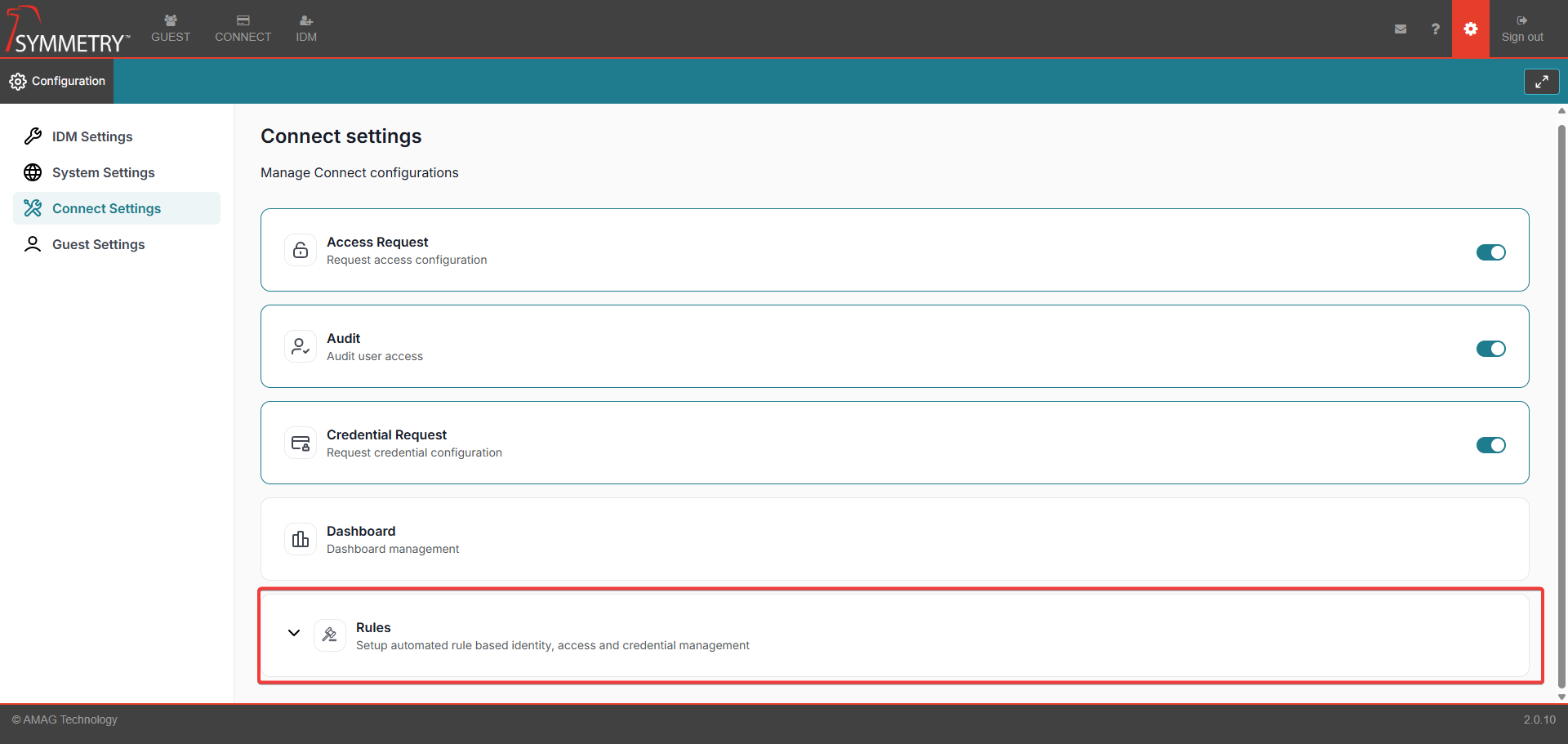
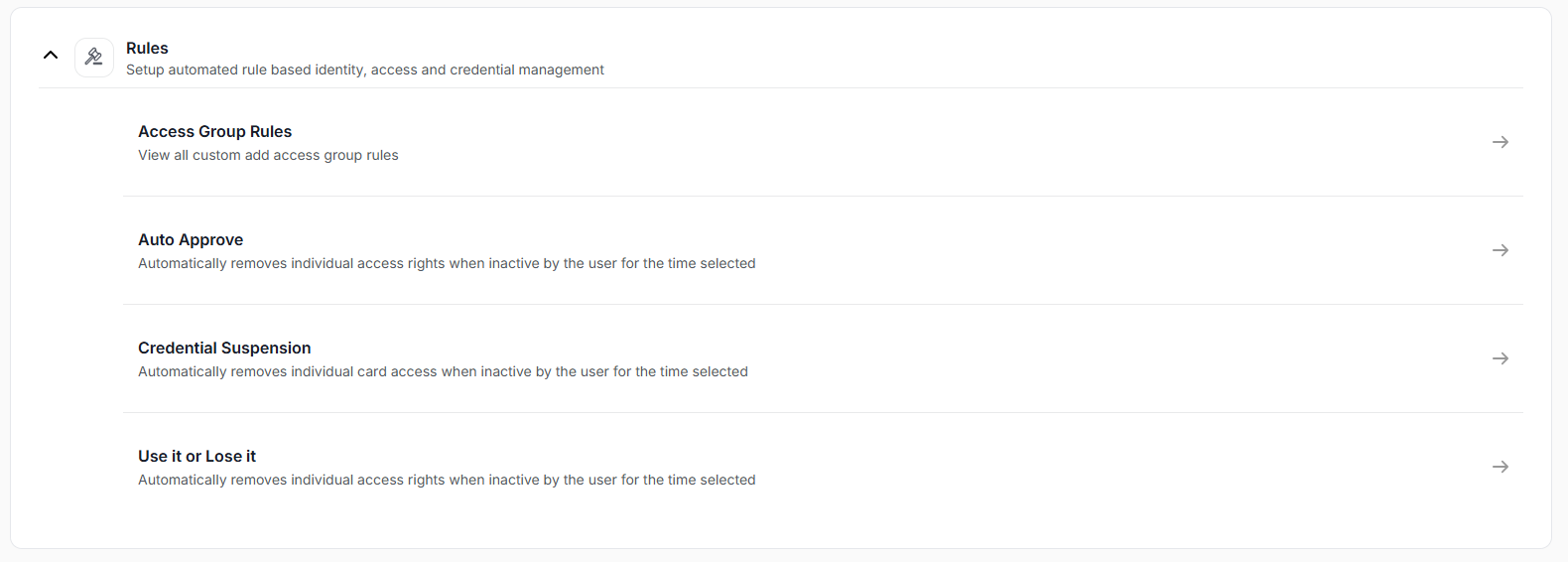
CONNECT Rules configuration allows the user to configure rules related to automatic Access Group assignment and expiration. Within this section a user is able to:
Create and manage Access Group Rules, which assign Access Groups to various Identities based on their attributes.
Configure specific Access Groups to be Auto Approved; if a user requests the Access Group, it is assigned without requiring any approval.
Configure rules to automatically suspend Credentials after a specified period of inactivity for specific Identity Types.
Configure rules to automatically expire Access Groups after a specified period of inactivity for specific Identity Types.